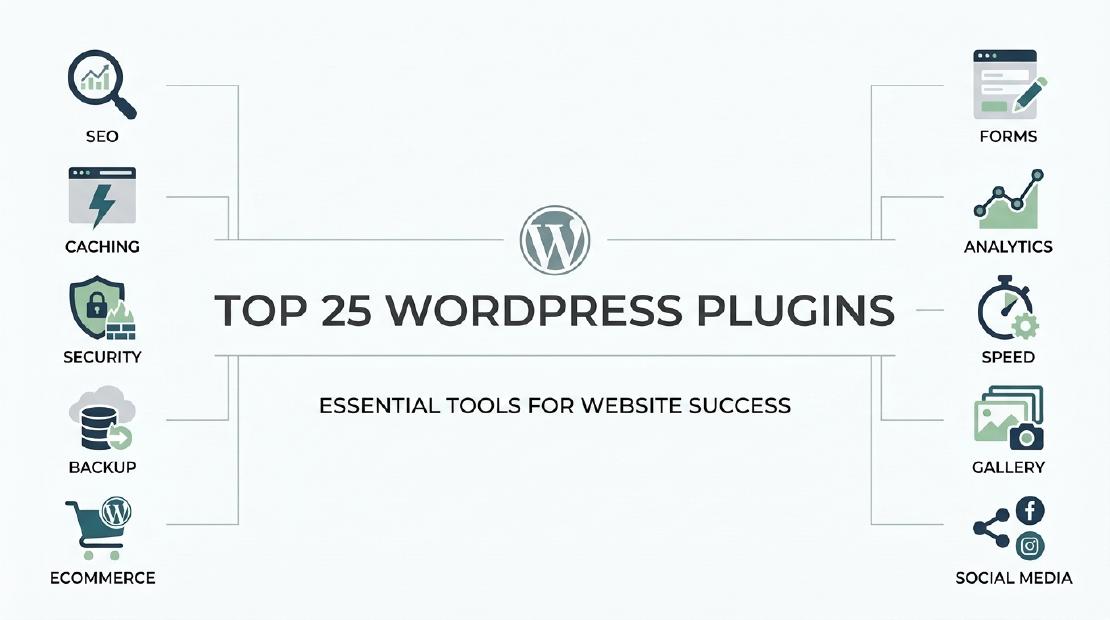
WordPress plugins are essential tools for SEO, security, and performance. Installing the wrong plugins can lead to a slow site, security holes, and poor user experience.
Choosing the right plugins can be overwhelming. With over 63,000 options, how do you know which ones are must-haves?
This guide cuts through the noise. Here is the definitive list of the 25 best WordPress plugins organized by category—tools proven to work on any blog, business site, or e-commerce store. Focus on these essentials to build a site that’s fast, secure, and ranks well on Google.
The Best WordPress SEO Plugins
- Yoast SEO: The industry standard. Instantly optimize your posts for target keywords. Manages meta tags, generates XML sitemaps, and provides a real-time readability analysis.
- Rank Math: A powerful, user-friendly alternative to Yoast. Offers rich snippet schema, 404 monitoring, and advanced SEO tools built-in.
- Redirection: Critical for maintaining SEO when you update or delete content. Manage 301 redirects and track 404 errors effortlessly.
- Broken Link Checker: Protects your site’s SEO by automatically scanning for and reporting broken links within your posts and pages.
- Yoast Duplicate Post: A simple utility to duplicate posts or pages—ideal for creating new content from templates. (Note: Avoid publishing duplicate content as it harms SEO.)
Essential WordPress Security & Backup Plugins
- Solid Security: Your site’s frontline defense. Guards against brute-force attacks, hardens login security, and scans for vulnerabilities. Vital for any public-facing WordPress site.
- Really Simple SSL: Google favors HTTPS sites. This plugin forces a secure SSL connection with one click after your host provides the certificate. Eliminates mixed content warnings.
- UpdraftPlus: Your safety net. Automatically backs up your entire site (files and database) to Google Drive, Dropbox, or other cloud storage. Restore with a single click if disaster strikes.
- All-in-One WP Migration: The easiest way to move, clone, or back up a site. Perfect for migrating from localhost to live server or switching hosts.
- WP Umbrella: A premium dashboard for managing multiple sites. Perform bulk updates, monitor uptime, and manage backups from one central console.
Top WordPress Performance & Speed Plugins
- WP Rocket: The premium caching solution. It works immediately upon activation, caching pages, lazy-loading images, and minifying code for faster load times. Recommended for significant speed gains.
- LiteSpeed Cache: The best free caching plugin, but requires a LiteSpeed web server (offered by hosts like SiteGround). Offers full-page caching and optimization.
- Imagify: Images are the #1 cause of slow pages. This plugin automatically compresses and optimizes images (converting to WebP) without losing quality. Essential for Core Web Vitals.
Must-Have WordPress Page Builder & Design Plugins
- Elementor: The leading drag-and-drop page builder. Create custom layouts, headers, and footers without touching a line of code. Free version is robust; Pro unlocks a complete theme builder.
- Spectra: The best Gutenberg add-on. Extends the default WordPress block editor with professional-grade blocks, templates, and design controls to build beautiful pages faster.
- Block Visibility: Adds smart logic to the block editor. Show or hide any block based on user role, device, date, or other conditions.
Best WordPress Utility & Admin Plugins
- Admin Columns: Transform your cluttered WordPress admin dashboard. Customize, sort, and filter the columns in your post, page, and user lists for better content management.
- User Switching: A lifesaver for developers and site admins. Instantly switch between user accounts to test permissions and user experience without logging in and out.
- TablePress: Create and manage beautiful, complex tables directly from your WordPress dashboard—no HTML knowledge required.
- WP-PageNavi: Replace the basic “Previous/Next” blog navigation with elegant, numbered page links. Improves user experience and crawlability for SEO.
- Relevanssi: Overhauls WordPress’s weak default search. Delivers faster, more accurate, and relevant search results for your visitors.
Key WordPress Marketing & Compliance Plugins
- Gravity Forms: Build advanced contact forms, payment forms, surveys, and more. Integrates seamlessly with payment gateways and email marketing services like Mailchimp.
- Mailchimp for WordPress: Connect your WordPress site directly to your Mailchimp list. Easily add and manage signup forms to grow your email list.
- Cookiebot: Ensure GDPR/CCPA compliance with a professional, customizable cookie consent banner. Automatically blocks scripts until consent is given.
Final Recommendations: You don’t need to install all 25. Start with the core: a caching plugin (WP Rocket or LiteSpeed Cache), a security plugin (Solid Security), an SEO plugin (Yoast or Rank Math), and a backup plugin (UpdraftPlus). Build from there based on your specific needs for design, marketing, and administration.